
Platform
An app for members. A dashboard for your team.
In Flyro, members stay in touch in a private circle of verified people. In Flyro Studio, your team runs that community.
For members
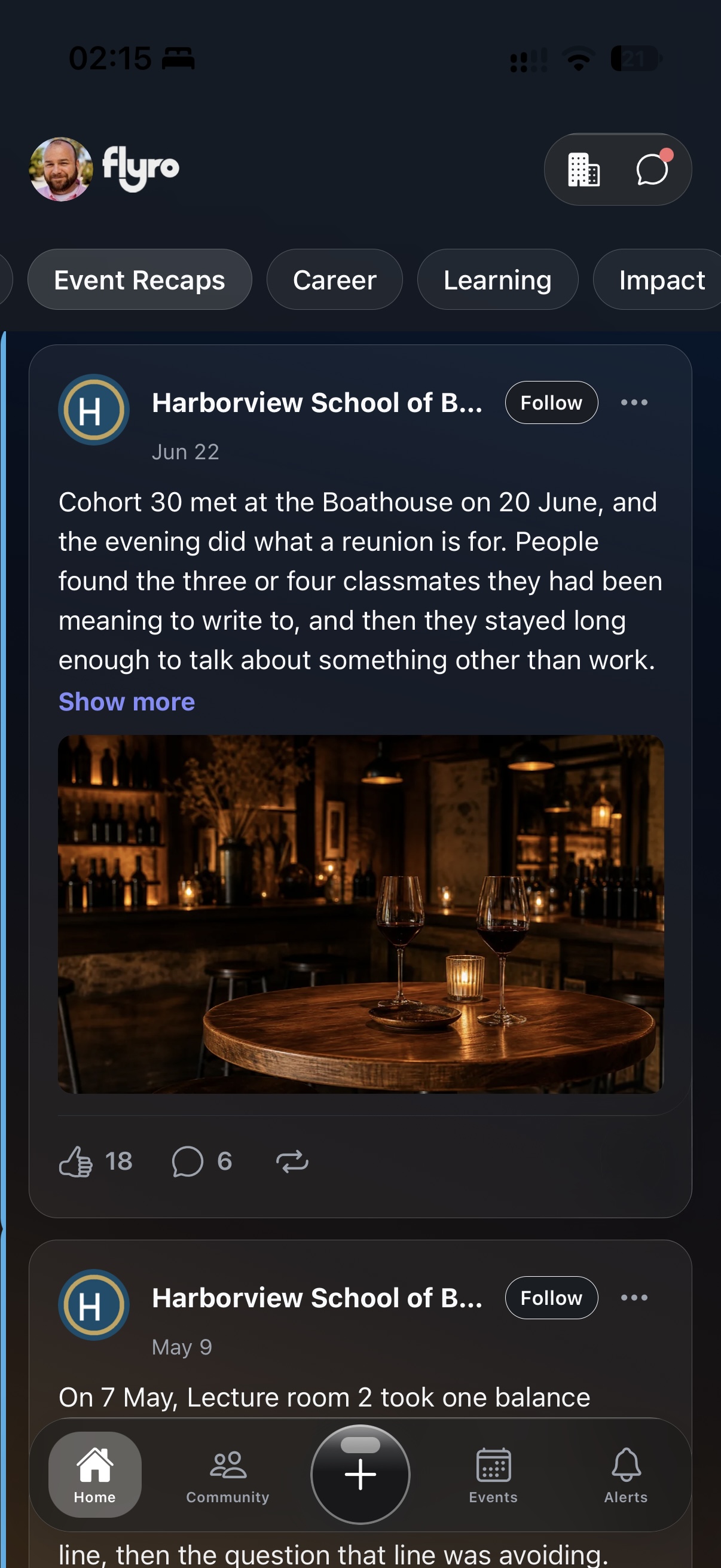
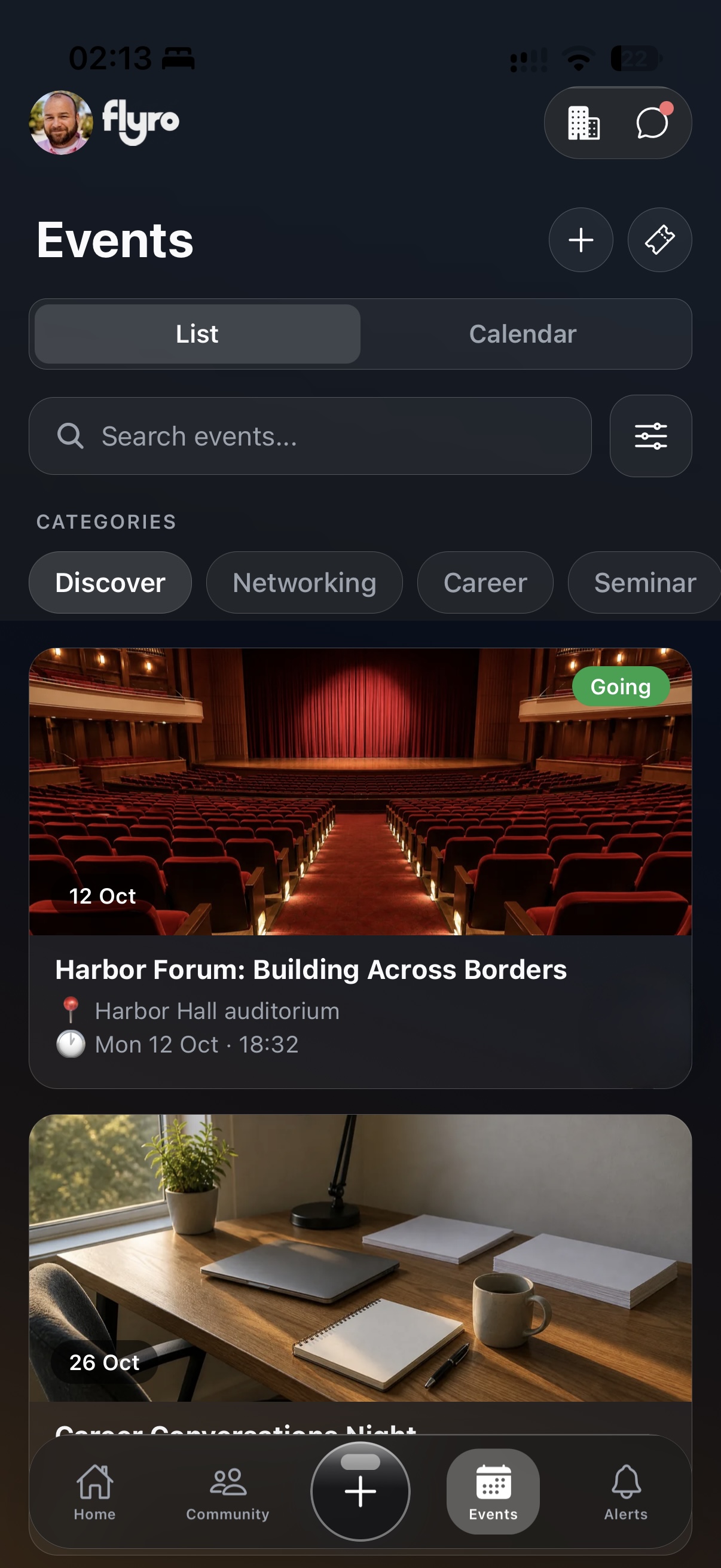
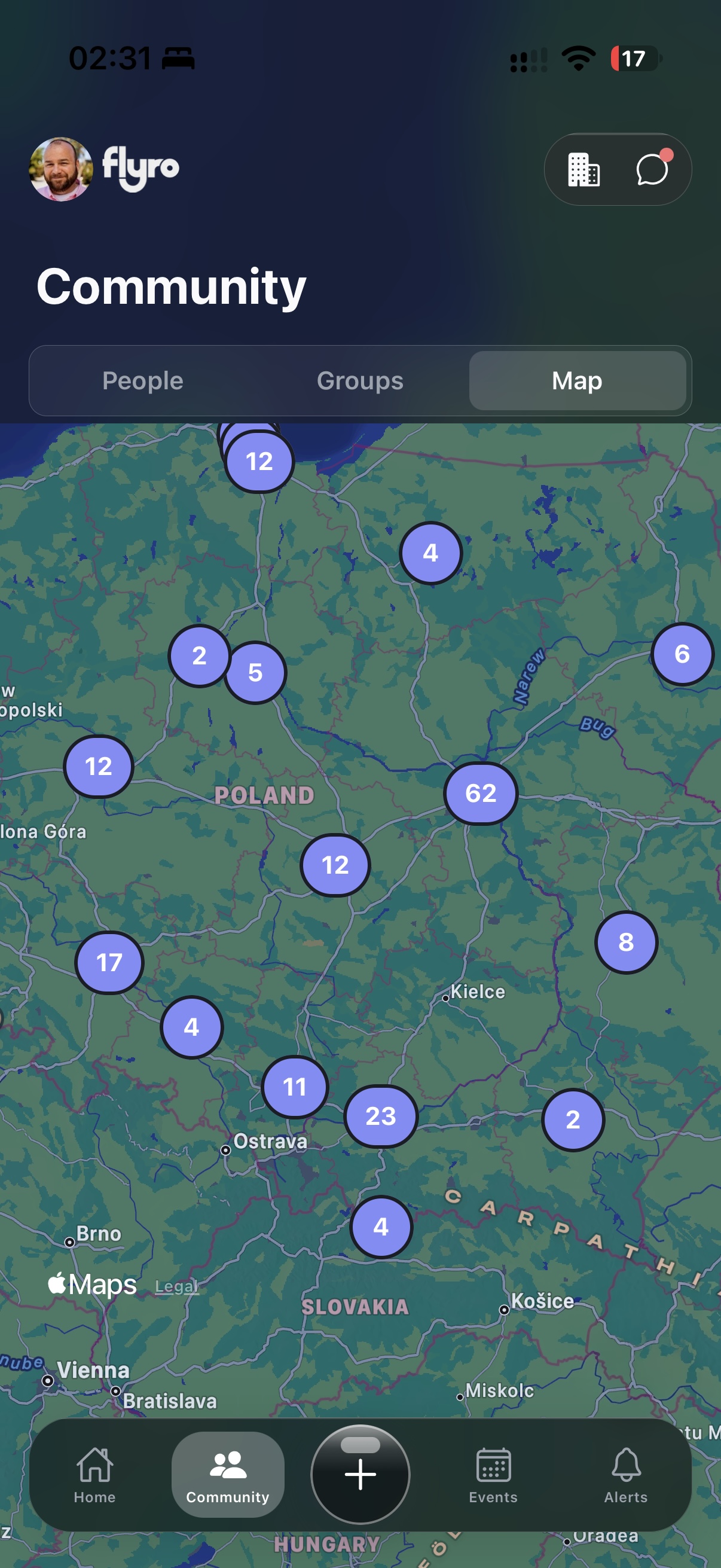
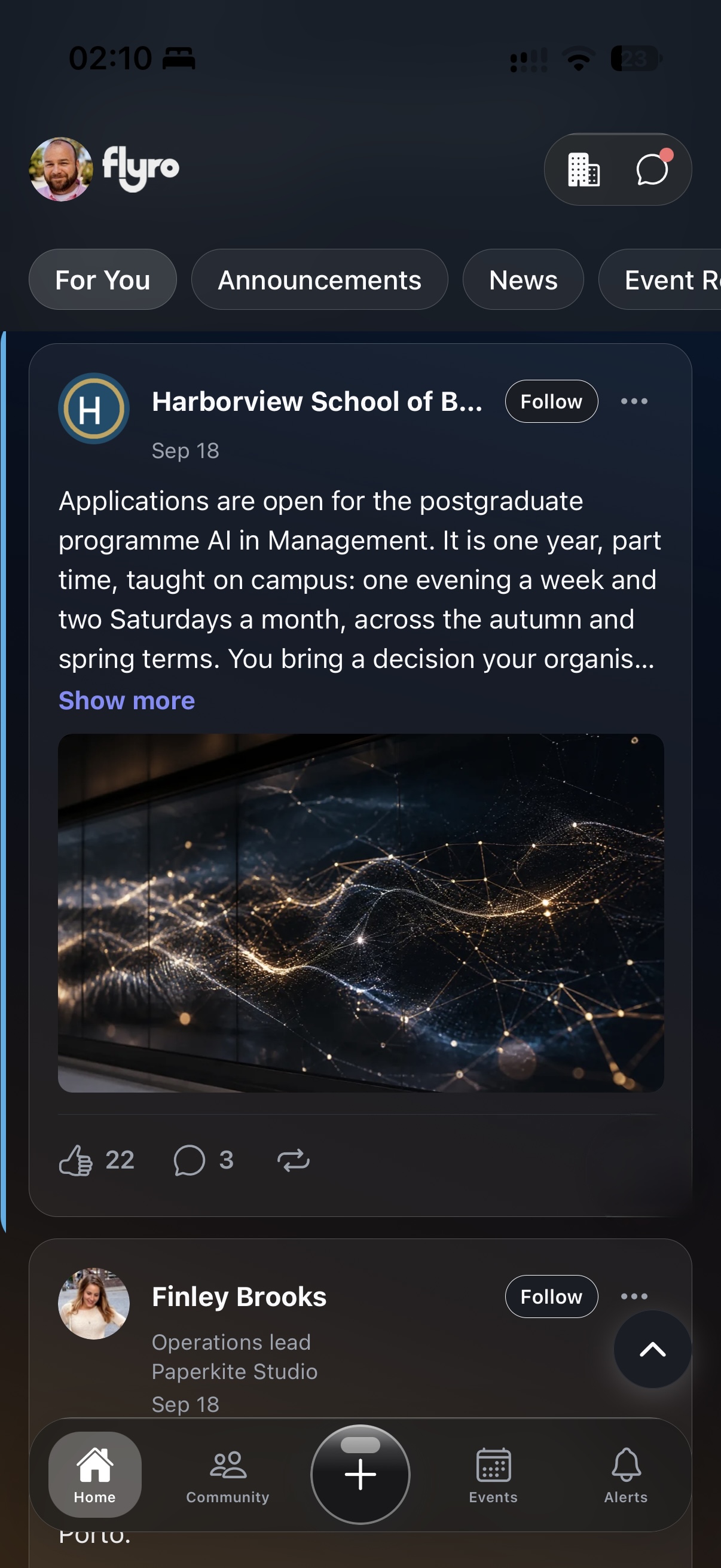
Flyro, the app for verified members.
Members download Flyro, choose your organization and get verified. From then on, their community is on their phone.
For your team
Flyro Studio.
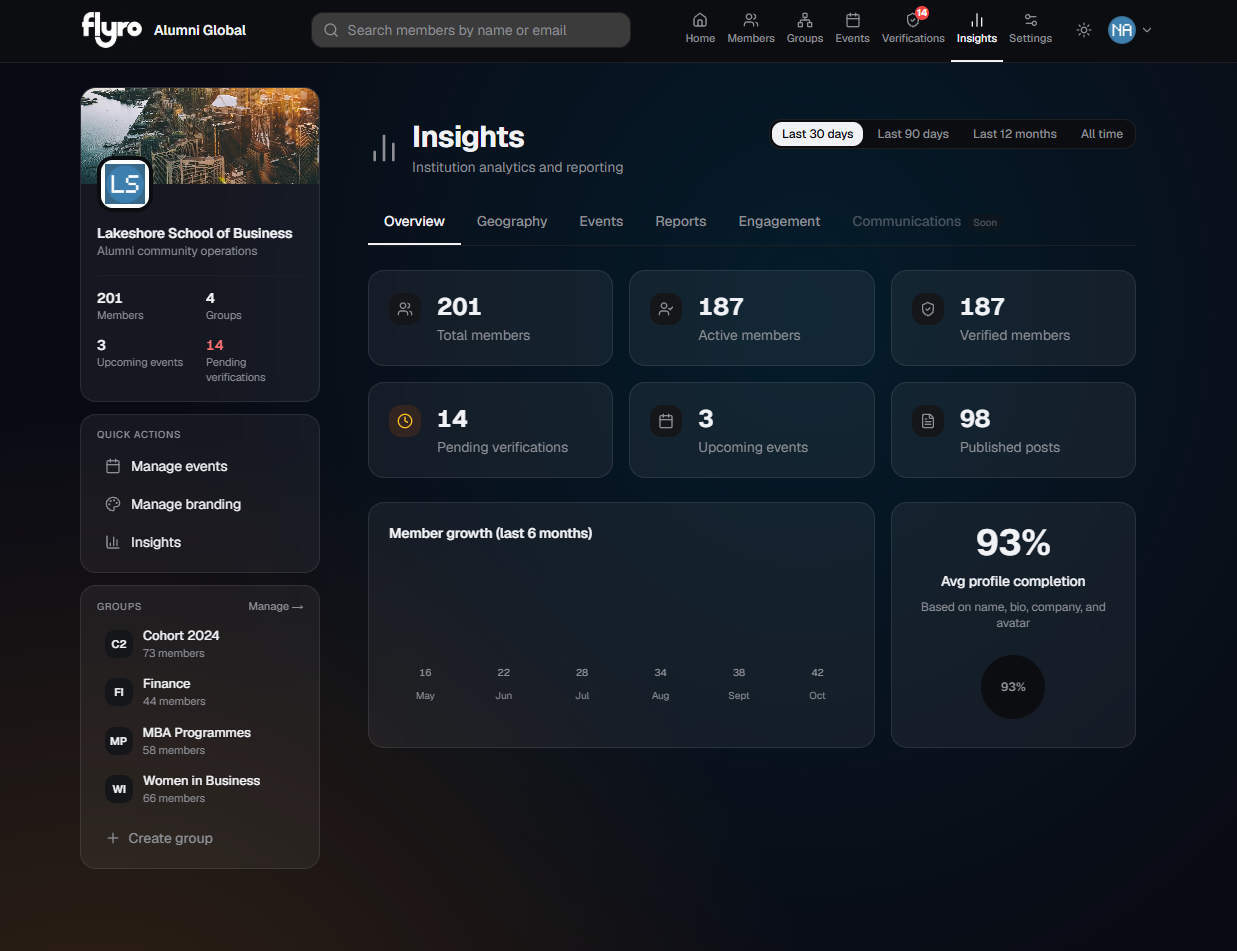
01 / 06
Overview
The first screen after you log in: what has changed in your community since your last visit.
How it works
From setting up the space to an active community.
01
You set up your organization’s space
Name, logo and rules for joining. For larger launches we do it together with your team.
02
Members join
They choose your organization in Flyro, and your team confirms they belong.
03
Your team publishes, members stay informed
Announcements, events and conversations reach verified members only.
A verified community
People who share an organization. In touch for years.
Members meet only people connected to their organization. Your organization sets the membership rules, and the community carries on after graduation or the end of a programme.
Verified people only
People join by invitation or once their link to the organization is confirmed.
Your organization sets the rules
You decide who can join, how verification works and who manages the community.
Member privacy
Each member decides which details others see and how they can be contacted.
Shared standards
Members report inappropriate content, and administrators act on it.
See how Flyro Studio would work for your community.
Book a demo or request a test workspace. We reply personally and suggest concrete next steps.